ChatGPT and Claude both redesigned their phone apps, one day apart
Claude's new design is rolling out to all users, while ChatGPT's starts with Pro subscribers and skips the EU, the UK, Switzerland and Korea.
In brief
OpenAI and Anthropic redesigned the ChatGPT and Claude phone apps one day apart
Both apps now have a bottom tab bar. Claude's redesign is rolling out to all users, with a Code tab. ChatGPT's starts with Pro subscribers and skips the EU, UK, Switzerland and Korea.
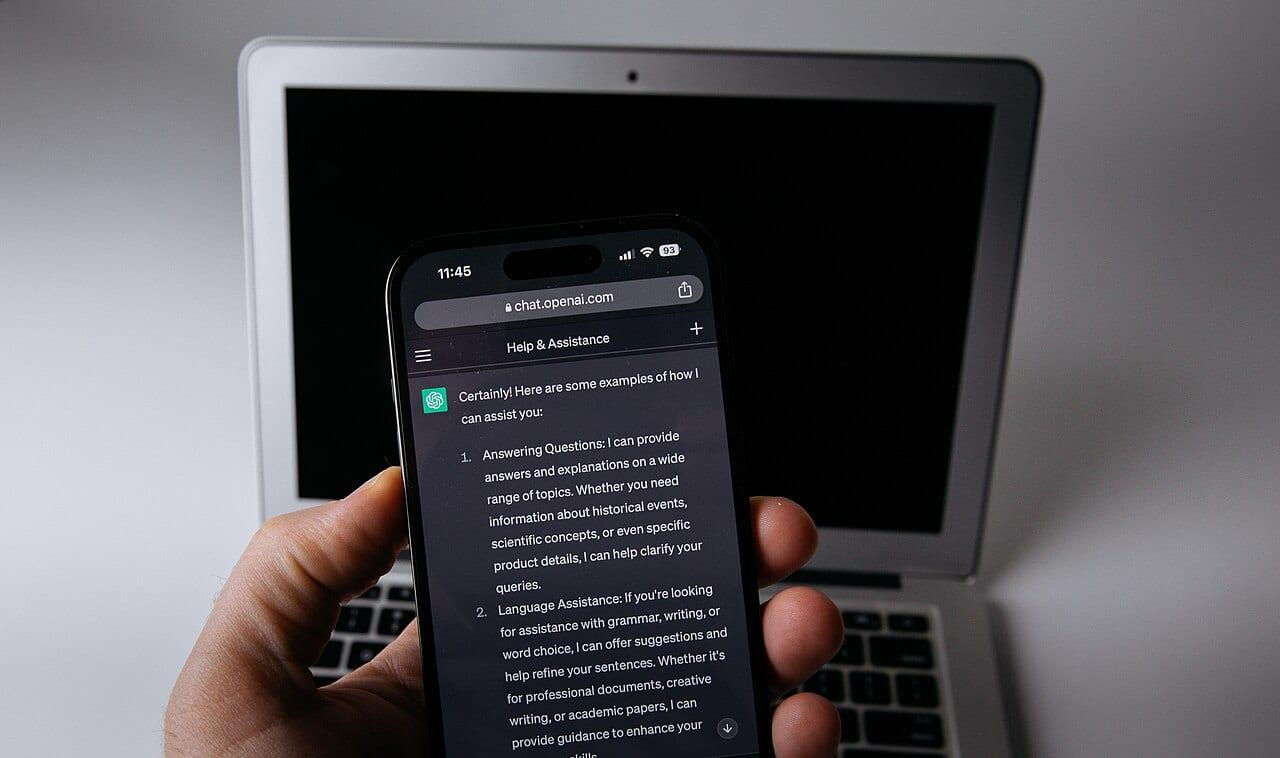
OpenAI announced a new design for the ChatGPT phone app on November 19, and Anthropic started rolling out a redesigned Claude app on November 20. Both moved to a tab bar at the bottom of the screen. The Verge noted that Claude's refresh landed "just a day after" ChatGPT's. Here is how they compare, using the companies' own release notes and posts.
ChatGPT: built around your "dot"
We wanted a design that better supported code, projects, and artifacts on mobile, and made it easier than ever to start and resume sessions on the go.
OpenAI announced its new mobile experience in its release notes on November 19.
- What's new: your dot (ChatGPT's proactive assistant) gets its own tab, and you can pin favourites such as Codex, Projects and Images to the tab bar.
- Who gets it: it starts with ChatGPT Pro users aged 18+ in regions where dots are available. A small group of eligible Plus users will also see it.
- Not included: the rollout excludes the European Economic Area (including the EU), the UK, Switzerland and Korea.
- How to switch: if New ChatGPT design appears in Settings, you can turn it on or off there. Some Pro users get it by default.
Claude: built around getting work done
Anthropic designer Daniel Destefanis announced Claude's refresh on X on November 20, and product manager Robert Bye posted that it was "Rolling out to all users," according to iThinkDiff, which collected the posts.
- What's new: a bottom bar with four tabs, Chat, Projects, Code and Artifacts. You can slide across the tabs, or long-press one to jump straight to recent items.
- Code from your phone: you can pick one of your computers on the home screen and start a Claude Code session on it. Anthropic's docs say the app "is a client for Claude Code sessions rather than a place where code runs": the work happens in Anthropic's cloud or on your own computer.
- Projects: shows which threads finished and which need you.
- Smaller touches: a new + menu, a model picker you long-press to set the effort level, which designer Khalil Cader showed in a demo, and a sidebar with search at the bottom.
Designer Daniel Destefanis described the goal: "We wanted a design that better supported code, projects, and artifacts on mobile, and made it easier than ever to start and resume sessions on the go."
Side by side
- Reach: Claude, all users (staged rollout). ChatGPT, Pro first, a few Plus users, not in the EU, UK, Switzerland or Korea.
- Main idea: ChatGPT puts its proactive dot and pinned tools up front. Claude puts work spaces (Projects, Code, Artifacts) up front.
- Coding: ChatGPT lets you pin Codex. Claude has a dedicated Code tab, but Claude Code is not on the Free plan; it starts with Pro ($20 a month, or $17 a month billed yearly).
- Can you go back? ChatGPT has a Settings switch, where offered. Anthropic hasn't announced one.
Verdict: which one for whom
- Free or Plus user anywhere: Claude's redesign is the one you are likely to see soon. ChatGPT's may not reach you yet.
- Developer who wants to steer code from a phone: Claude, on a paid plan, with the Code tab.
- ChatGPT Pro subscriber who uses dots: the new ChatGPT layout, with Codex or Projects pinned.
Both rollouts are gradual. If your app still looks the same, update it and check again in a few days.
Sources
- OpenAI: ChatGPT release notes (Nov 19, 2026: New mobile experience) (help.openai.com)
- The Verge: Claude has a new mobile design, too (theverge.com)
- Claude Code Docs: Claude Code on mobile (code.claude.com)
- iThinkDiff: Claude mobile app redesign adds tab bar and code sessions (ithinkdiff.com)
- Claude: Plans & pricing (claude.com)
In this story
Source: help.openai.com