OpenAI's Business Hub lets owners correct what ChatGPT says about their business
OpenAI's new Business Hub lets owners verify their business, fix the details ChatGPT shares, upload products and see how often they're mentioned. It's free for now, but it needs an ID check and some features are US-only.
In brief
Business owners can now claim a free ChatGPT profile, but OpenAI asks for an ID check
OpenAI's new Business Hub lets owners verify their business, correct what ChatGPT says about it, upload products and see mentions and clicks. It is currently free, but it needs a government ID check, and AI customer agents are US-only for now.
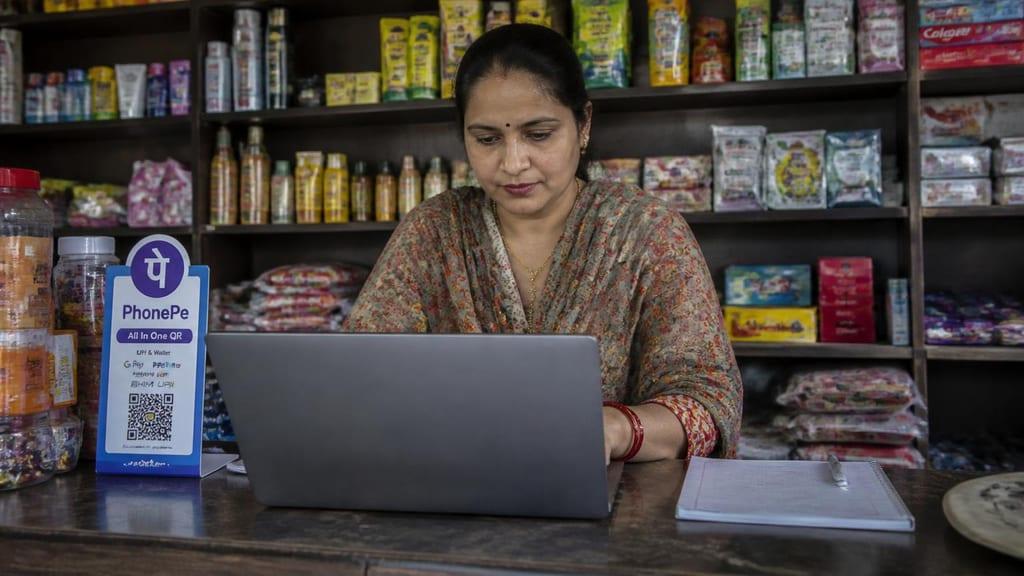
People already ask ChatGPT where to buy things and which shop or service to use. On November 10 OpenAI opened Business Hub, where business owners and authorised representatives can claim their business in ChatGPT and manage the information it uses.
What you get
According to OpenAI's release notes, once your claim and your identity check are approved you can:
- publish updates to your business information;
- connect a product feed;
- see insights such as mentions and website clicks.
Eligible ecommerce and online service businesses in the US with a website can also build a business agent that answers customer questions using information you provide. You review and publish the agent before customers can chat with it.
Who can claim
OpenAI's help article says eligible businesses can claim where ChatGPT is available, and its Businesses in ChatGPT page says claiming is initially open to eligible businesses with a website. Guides that tested it report that local stores and restaurants can currently claim only an existing US listing. In practice, an online store in Amman or Riyadh with its own website can likely claim a profile. A neighbourhood café without a website probably can't yet, and neither can build an agent.
How to claim your business in 5 steps
- Open Business Hub. In ChatGPT on the web, open Business Hub from the sidebar. Sign in with the account that should own the profile, ideally one the business controls rather than a freelancer's personal account.
- Find or create your listing. ChatGPT already lists many businesses. Pick yours, or create a profile if it isn't there, then fill in the basics: website, category, phone, email and policies.
- Verify it. Choose one of the methods Business Hub offers for your listing: a code sent to the business phone, a code sent to the business email, a DNS TXT record added in your website's domain settings, or connecting a Shopify store. OpenAI then reviews the claim and replies by email.
- Pass the identity check. OpenAI uses Persona, an outside verification service. Expect to photograph a government ID and take a selfie, and possibly to add business registration details or proof that you can act for the company. Until this is approved, your profile stays a draft.
- Fill in and publish. After approval you can edit your profile, add a product feed and check insights. US businesses that qualify can then set up the agent and test it before it goes live.
Read before you publish
Business Hub costs nothing today. Before you publish, read OpenAI's terms for businesses in ChatGPT. Guides that went through them point out that a published profile can't be deleted (only drafts can), and that the licence you grant for basic details such as your name, address and opening hours is described as perpetual and irrevocable. Also decide early who in the company does the ID check, because it sends one person's government ID to an outside service.
Is it worth it?
If customers already find you through ChatGPT, a verified profile is the only way to correct wrong hours, prices or policies there. If they don't yet, claiming early costs little, as long as you're comfortable with the terms.
Sources
Source: help.openai.com