Gemini can now read your spending and find the subscriptions you forgot
Google has added Google Wallet to the apps Gemini can read, so you can ask about your budget, your card rewards or last month's grocery bill. It is US-only for now, and Gemini can look at your money but not move it.
In brief
Google lets Gemini read Google Wallet in the US, but Gemini cannot move your money
Tag @Google Wallet in Gemini and it can chart your spending, plan a budget and spot subscriptions that went up in price. It's only in the US for now, and Gemini can read your accounts but can't move money.
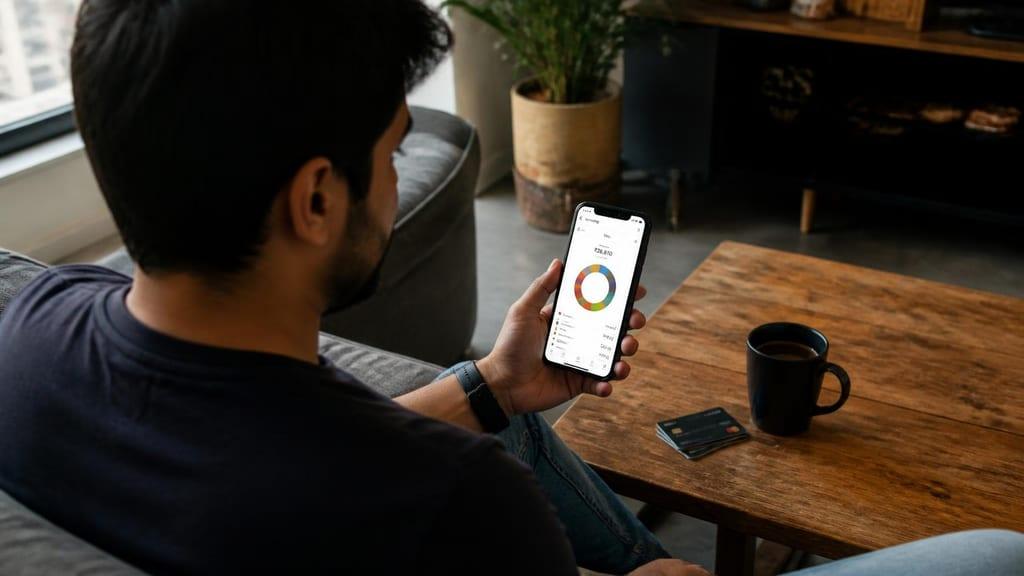
Most people have at least one subscription they forgot about. Google wants Gemini to find it for you.
On November 13 Google added Google Wallet to the list of apps Gemini can connect to, next to Gmail, Photos and YouTube. Once connected, Gemini can answer questions about your spending, budgets, cards and passes. If you also link your bank and card accounts to Wallet through the service Plaid, it can read your transactions too.
Gemini can only read information from your accounts; it can't move, manage, or invest your money.
Before you start: can you use it?
According to Google's help page, you need to:
- be in the US and 18 or older;
- sign in with a personal Google account (work and school accounts can't use it yet);
- have Keep Activity turned on in your Gemini settings. Gemini can't connect to Wallet when it is off.
Google is rolling the feature out gradually, so it may not show up for you yet. It works in the Gemini mobile app and at gemini.google.com, on Android and iPhone, but not inside Gems or Gemini Live. Readers outside the US can't use it for now.
5 steps to set it up
- Open Gemini. Use the Gemini app on your phone or go to gemini.google.com.
- Ask a money question and tag Wallet. Type something like "How much did I spend on groceries last month?" and add @Google Wallet to the prompt. Google says tagging it helps if Gemini doesn't use Wallet by itself.
- Connect when asked. If Wallet isn't connected yet, Gemini offers to connect it. Follow the on-screen steps. You can also find it under Connected Apps in your Personal Intelligence settings.
- Link your accounts for deeper answers (optional). Wallet alone knows your cards and passes. To get insights from real transactions, link your bank and credit card accounts to Google Wallet through Plaid.
- Try Google's own example questions:
- "Can we review my spending from last quarter so I can save $1,000 over the next three months?" Gemini builds charts of your cash flow and budget in the chat.
- "What subscriptions am I still paying for, and did any of them go up in price this year?" Gemini looks for recurring charges and flags price rises.
- "How much did I spend on gifts and travel last year? Use that to help me set a holiday budget for this year."
It also handles simple jobs, like finding a boarding pass or your airline loyalty numbers.
What Gemini can't do with your money
Google is clear on the limits:
"Gemini can only read information from your accounts; it can't move, manage, or invest your money."
Gemini can't make payments with the cards in your Wallet, and it can't update or delete your linked accounts. You do that in Google Wallet's settings.
How to switch it off
- Disconnect Wallet from Gemini at any time under Connected Apps.
- Unlink bank accounts from Wallet in Google Wallet's Plaid settings.
- Check what Gemini remembers about you under Profile, then Personal Intelligence, then Memory Summary, where you can edit or delete saved details.
Should you turn it on?
Finding forgotten subscriptions is a real saving, and the read-only design limits the damage if something goes wrong. But you are handing a chatbot a detailed record of where your money goes, and the setup requires Keep Activity, which means your Gemini chats are saved to your account. If that trade feels too big, a monthly look at your bank statement still works.
Sources
Source: blog.google