How to keep your Gemini chat history but stop Google training AI on it
The training switch is on by default for adults, and it only covers chats from the moment you turn it off.
In brief
Google now lets you keep Gemini chats while opting out of AI training
Google has split Gemini's old Keep Activity setting into two, and the change was widely rolling out on November 24, 2026. You can now keep your chat history and still stop Google training its AI on your chats. The training switch is on by default, so you have to turn it off yourself.
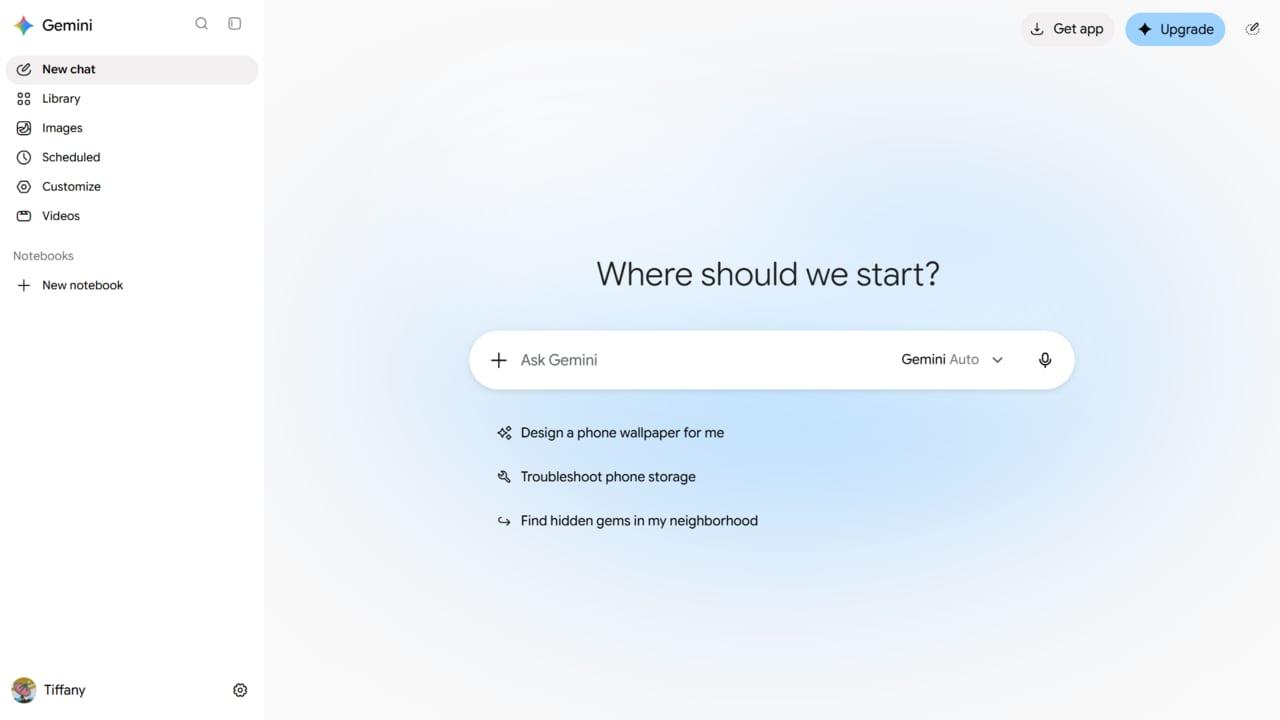
Until now, Gemini made you choose: keep your chat history, or keep your chats out of Google's AI training. A new setting, which 9to5Google reported was widely rolling out on November 24, 2026, splits the two. You can now keep every conversation and still tell Google not to train its models on them.
The training switch is on by default for adults, so if you want it off, you have to go and find it. It takes about a minute.
Your future chats won't be used to train generative AI models, unless you provide feedback.
What Google changed
Gemini used to have one setting, Keep Activity, that decided both how long your chats were saved and whether they were used to train AI models. Google announced on November 16 that it would split this into two: History, which controls how long chats are kept, and a separate training control. Google says it is rolling out "globally in the Gemini app in the coming weeks", so you may not see it yet.
| Before | Now | |
|---|---|---|
| Settings | One switch, Keep Activity | History, plus a separate training switch |
| Keep history but stop training | Not possible | Possible |
| Chats kept when history is off | 72 hours | Around two months |
| Training on audio, Gemini Live video and screen shares | Off unless you turn it on | Still off unless you turn it on |
If you had Keep Activity switched off before, Google says both new settings start off too.
How to stop Gemini training on your chats
These steps follow Google's help page and work on a computer:
- Go to gemini.google.com and sign in.
- Open Settings, then History. 9to5Google says the new "Gemini History" item sits at the very bottom of the settings menu and opens your Gemini activity page.
- History must be on for the training boxes to show. Leave it on if you want to keep your chats.
- Under "Help train generative AI models with", untick "Chat content including text & attachments".
- Check that "Audio and Gemini Live videos & screenshares" is unticked as well, then confirm.
The setting's own description, as quoted by 9to5Google, reads: "Your future chats won't be used to train generative AI models, unless you provide feedback." Note the last four words: tapping a thumbs up or thumbs down, or sending feedback, still lets Google use that exchange.
Using Gemini through a work or school account? Your administrator controls these settings, and you may not be able to change them.
The parts the switch doesn't fix
It only covers what you type from now on. Ars Technica reports that chats already used for training stay in the training data, and that Google says it may keep that data for up to three years.
The other change goes the opposite way. If you turn History off entirely, Google will now keep your chats for around two months, up from 72 hours before, according to TechCrunch. Google says this is for safety: catching abuse that takes time to spot. A Google spokesperson told TechCrunch that this data "will strictly not be used for GAI model training or for other product improvement purposes." Google's announcement adds that human reviewers may help with that work.
What it means for you
If you use Gemini for anything private, such as health questions, money, work documents or family matters, switch training off today. Your history stays where it is, so you give up nothing you can see.
If you want nothing kept at all, turning History off no longer gets you that, since Google still keeps chats for about two months. For truly throwaway questions, the closest option on the search side is the incognito button in Google's AI Mode. And if you used Gems, the custom Gemini helpers, remember that Google deletes them on December 17.
Sources
- Gemini app updates: New chat history and training controls (Google) (blog.google)
- Manage & delete your history in Gemini Apps (Google Help) (support.google.com)
- New Gemini setting lets you keep chat history, but turn off AI training (9to5Google) (9to5google.com)
- Google to keep Gemini chats for 2 months, up from 72 hours, even with history off (TechCrunch) (techcrunch.com)
- Google makes it easier to use Gemini without training AI on your data (Ars Technica) (arstechnica.com)
Source: blog.google