Deleting a shared ChatGPT link stops access but won't erase copies others saved
Anyone who has a link from a personal ChatGPT account can open it, the links never expire on their own, and locking a chat does not switch them off.
In brief
OpenAI says deleting a ChatGPT share link won't erase copies others already saved
Anyone who has a share link from a personal ChatGPT account can open what it contains. Deleting the link stops new visits, but a copy someone already continued in their own account stays there.
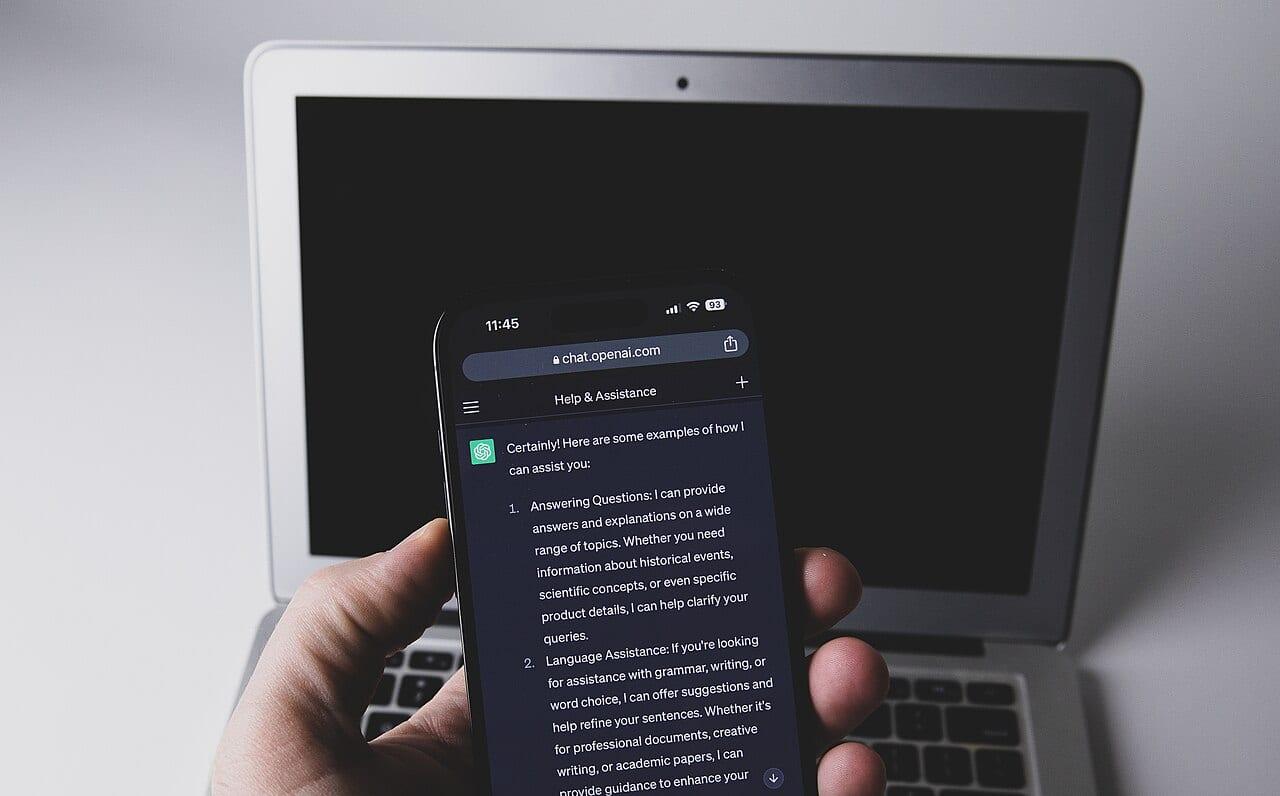
A ChatGPT share link is a handy way to show someone an answer. It can also reveal more than you meant to if the conversation holds personal details, photos or files. According to OpenAI's help page on sharing, anyone who has a link created from a personal account can open what it contains, and deleting the link later does not pull back a copy someone has already saved.
What does a share link actually show?
A shared conversation can include the chat history, a single answer, supported images and files you uploaded. A link from a personal account is a snapshot: it holds what was there when you created or last updated it, and messages you add later are not included unless you choose Update link. Some sharing options let you share one response instead of the whole conversation.
Links are anonymous by default, OpenAI says, though some older sharing screens may show your name, so check the preview. Anything you typed into the chat, such as names or personal details, will be visible. OpenAI also says shared pages are not meant to be indexed by search engines, "but this does not make a link private": whoever has it can forward it.
How do you find and delete your links?
- Open Settings and choose Data controls.
- Next to Shared links, select Manage.
- Choose Delete shared link for one item, or open More actions and choose Delete all shared links.
The same list also shows links to scheduled tasks you have shared.
What deleting does not do
- It doesn't remove saved copies. When someone continues a shared conversation, ChatGPT creates a separate, private conversation in their account. Deleting your link stops future visits but leaves their copy alone.
- Locking a chat doesn't stop the link. People can still open the content that was shared before you locked it. Delete the link separately.
- Changing your training setting doesn't touch links. Switching off "Improve the model for everyone" does not delete existing shared links or change who can open them.
Deleting the original conversation does remove its share link, and deleting your whole account deletes your shared conversation links.
Are work accounts different?
Yes. OpenAI says links created in ChatGPT Business, Enterprise, Edu or ChatGPT for Healthcare workspaces open only for eligible members of the same workspace. Unlike personal snapshots, a workspace link can include messages added after sharing, so read the sharing notice before you keep typing.
The short version
Share links have no expiry date you can set and no way to limit them to specific people. Preview before you send, and keep passwords, account numbers, health and money details out of anything you share, as OpenAI itself advises. Once a month or so, open Shared links and delete the ones you no longer need. And if a link arrives from someone else, check that it starts with https://chatgpt.com/share/ before you open it.
Sources
Source: help.openai.com