ChatGPT Space reaches Plus users, and its pages can carry details from your memory
OpenAI's workspace keeps pages current from your connected apps, but nobody on the free plan can open what you share.
In brief
ChatGPT Space reaches Plus users and replaces Library
OpenAI has been rolling out ChatGPT Space, a shared workspace for pages and slides, to Plus subscribers worldwide since November 20, replacing Library. Pages ChatGPT writes may include details from your Memory, and anyone you share them with can read those details.
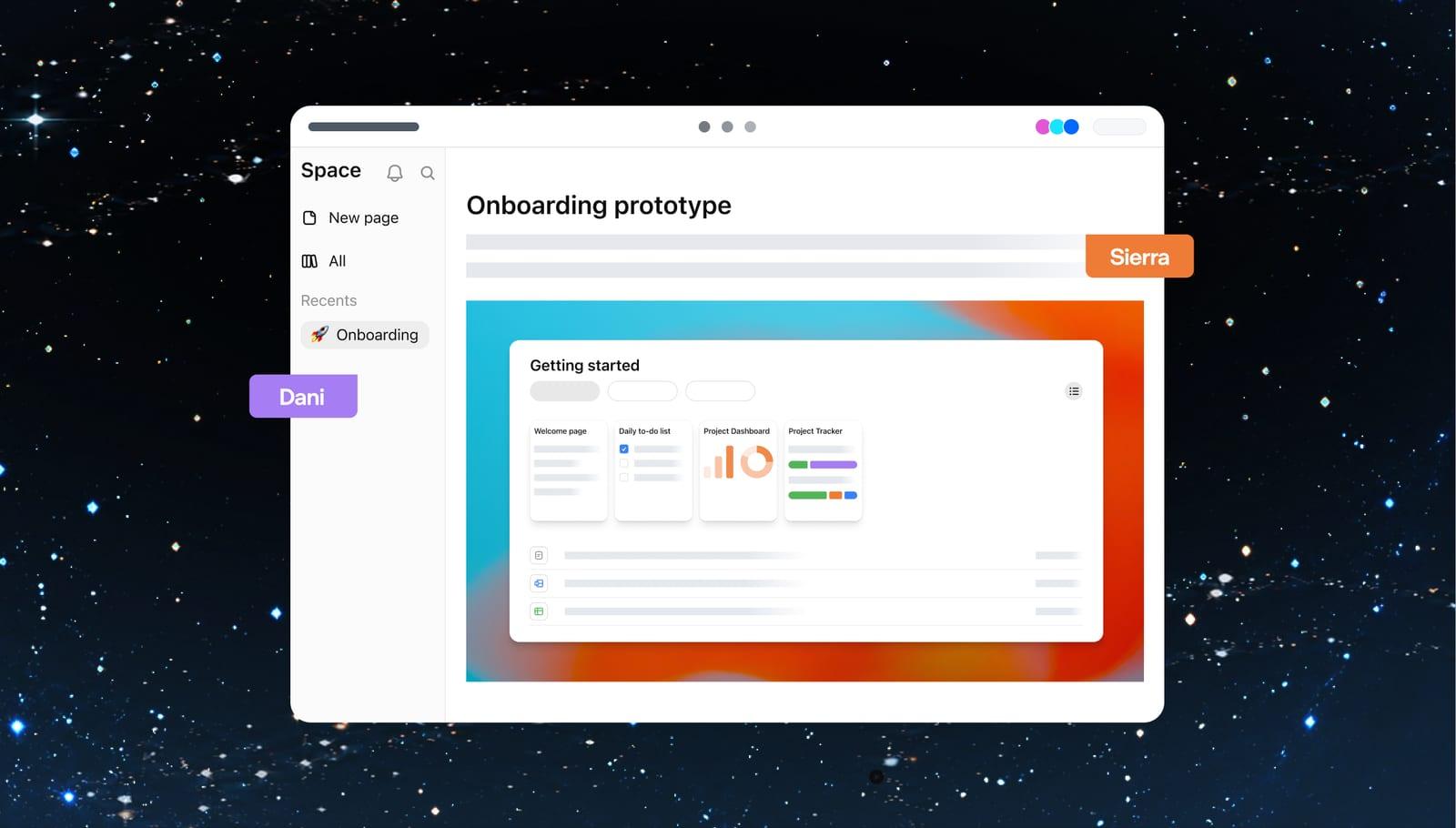
OpenAI started rolling out ChatGPT Space to Plus subscribers worldwide on November 20, 2026. Space replaces ChatGPT's Library with a workspace where you build pages and slide decks with ChatGPT, share them with other paying users, and set them to update themselves from apps you have connected. It is open to Plus users aged 18 and over.
Space has been available to Pro, Business and Enterprise plans since September 29. Plus users will notice the change in the sidebar first: Library goes, and Space takes its slot.
If Memory is enabled, ChatGPT may use personal context when helping you write or update a page.
Where did Library go?
According to OpenAI's release notes, Space is now the home for your pages, slides, images and uploaded files. Your images are still there, split into the ones you created and the ones you uploaded. Projects are not affected and keep their chats, files and instructions.
The rollout is gradual. OpenAI says that if Space is missing from the desktop app, update the app; if it is still missing, your account does not have it yet.
What can you build in it?
A page is an editable document: a project brief, meeting notes, a research summary. ChatGPT can add charts, trackers and small interactive tools to it. OpenAI's own examples are a to-do list that updates itself, a study guide with a 3D model you can explore, and a project plan that stays current with decisions made in Slack.
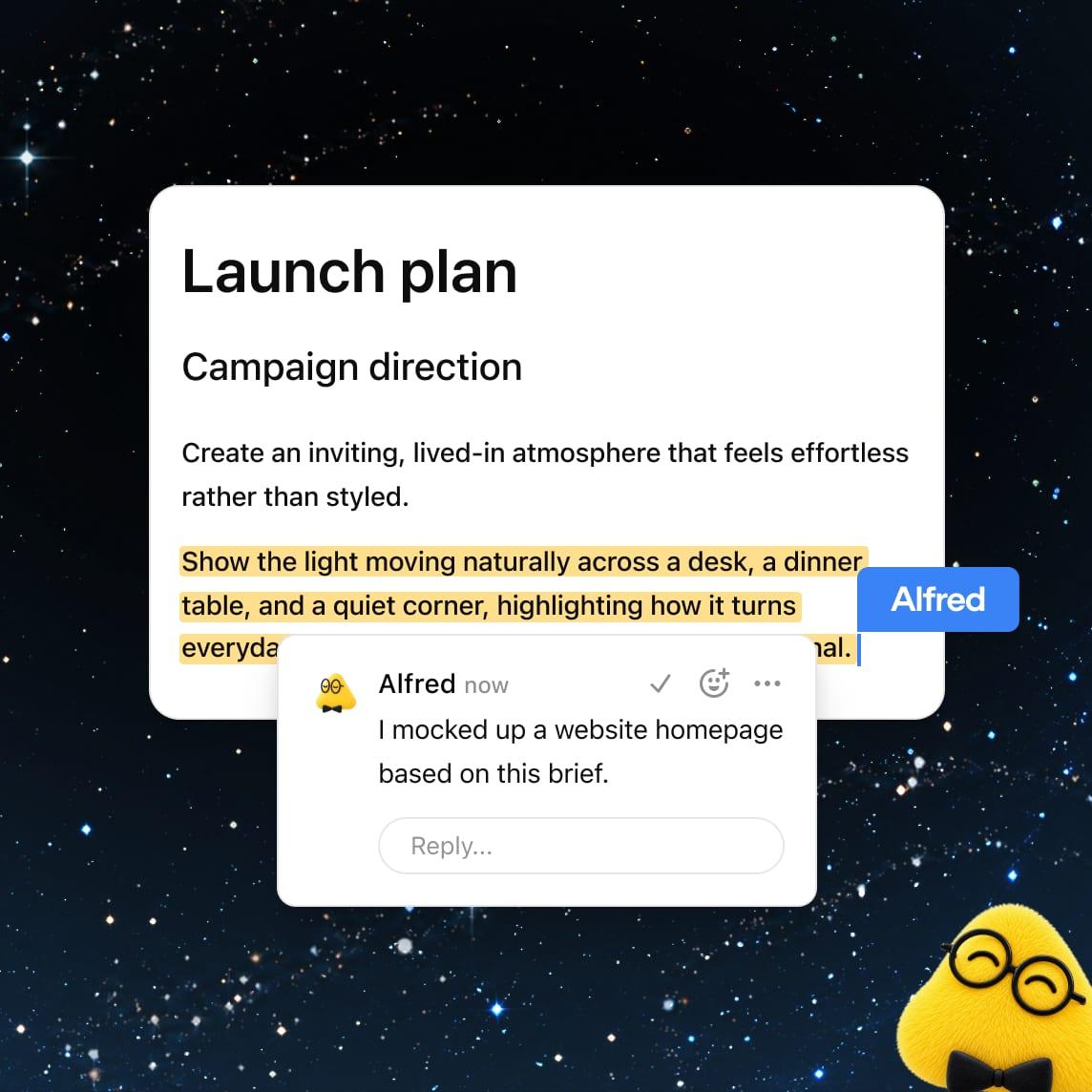
To change one passage, select it and tag ChatGPT in a comment. For bigger rewrites, use the page's own chat. If you hit your Plus message limit, you can still edit the page by hand. People who have one of OpenAI's always-on dot agents can invite it to work on a page too.
How do you start, in four steps?
These steps come from OpenAI's getting started guide:
- Open Space in the sidebar, where Library used to be.
- Ask ChatGPT to make a space with a clear name, for example: "Create a space named Website launch."
- Open a chat with the material you want and ask: "Create a page from this conversation with the project goals, decisions, and next steps." You can also start from a template or a blank page.
- Open the page, select Share, pick the people, and give each one view or edit access.
Read the page before step 4. Here is why.
Your memory can end up on the page
This is the part that matters most, and it sits in a help page about sharing and data, not in the launch note. OpenAI writes: "If Memory is enabled, ChatGPT may use personal context when helping you write or update a page." Once that detail is written onto the page, anyone who can view the page can read it.
OpenAI's own example: if ChatGPT uses something from an earlier conversation to write a project brief, everyone who reads the brief sees it, and their ChatGPT may remember it if their Memory is on, even if yours is off. The earlier conversation itself is not shared.
The same page lists a few more catches:
- Training: when someone else's agent works on a page you shared, their training setting applies, not yours. "Your own training setting does not control theirs," OpenAI says. Business and Enterprise data is not used for training by default.
- Files: a file uploaded into a page follows the page's permissions. A linked file from another service keeps its own permissions, but any summary of it on the page is visible to every reader.
- Deleting: deleting a page moves it and all its subpages to Trash, including subpages that other people own.
You can change whether your chats help train OpenAI's models in Settings, then Data controls, then Improve the model for everyone.
Who can open what?
| Plan | What you can do in Space |
|---|---|
| Free | Cannot open shared pages or presentations |
| Plus | Create, edit and share as the rollout reaches you, ages 18 and over |
| Pro, Business, Enterprise | Available since September 29; company accounts follow admin settings |
| Public links | Not available |
| Sheets | Coming soon |
Space works on the web and in the desktop app, and pages can be edited on iPhone and Android. Business and Enterprise workspaces that keep their data in Canada or the UAE will get Space later, OpenAI says.
Should you use it?
If you work with people who already pay for ChatGPT, a page that refreshes itself from your connected apps can save the weekly chore of copying notes between tools. If you want to share a trip plan with family members on the free plan, it will not work: they cannot open it.
Our read: OpenAI's own advice, "Review the page's content before sharing it," deserves to be taken literally, especially for a page ChatGPT wrote from a long chat with Memory switched on. For more on how sharing works in ChatGPT, see what deleting a shared chat link does and does not do.
Sources
- ChatGPT release notes, November 20, 2026 (OpenAI Help Center) (help.openai.com)
- ChatGPT Space: sharing, data, and controls (OpenAI Help Center) (help.openai.com)
- Getting started with Space in ChatGPT (OpenAI Help Center) (help.openai.com)
- ChatGPT Space comes to Plus: What others see on your shared pages (Notebookcheck) (notebookcheck.net)
Source: help.openai.com